When a power or internet outage interrupts service, VoIP phones may stop working, even if the handset itself looks fine. Whether calls can continue depends on which part of the calling path is affected and whether your nonprofit has prepared an alternate route.
Planning ahead helps staff, volunteers, donors, and people seeking services know how to reach your organization. Start by understanding the dependencies, then decide how to route essential calls and how to restore normal service.
What a VoIP phone needs to work
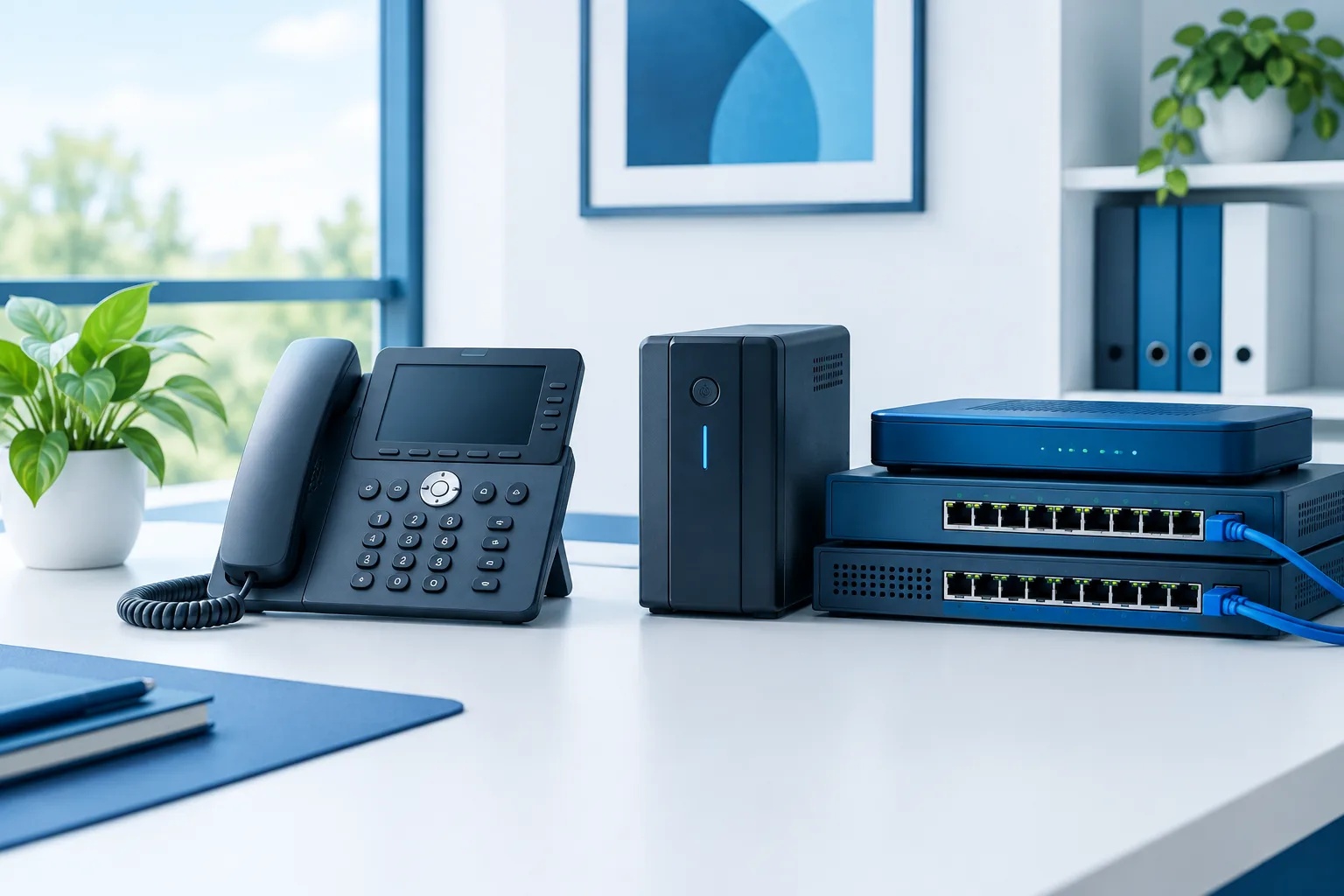
A typical desk phone relies on several connected pieces: the handset, a network switch or router, an internet connection, and the phone provider or cloud calling platform. If a required piece loses power or connectivity, calls may fail.
Some phones receive power through the network cable from a switch. Others use a separate power adapter. In either case, a powered handset is not enough if the network equipment or internet connection is down. Your provider or cloud phone platform also needs to be operating.
For a closer look at network dependencies, see Zevonix’s guide to network equipment at a nonprofit.
Different outages cause different phone problems
Building power failure
If the office loses power, desk phones and the equipment that connects them may shut off. A battery backup can keep selected devices running for a time, but only if it is connected to the right equipment and has enough capacity for that load. It does not restore an internet service or phone platform that is unavailable elsewhere.
Consider which devices must stay powered together, such as the phone, network switch, router, and any equipment that connects the office to the internet. A continuity plan should also account for what happens when backup power runs out. The FCC’s guidance on backup power for communications can help inform that planning.
Internet or local network failure
During an internet outage, powered desk phones may still be unable to reach the phone service. A local network problem can have a similar effect, even when internet service is available. If your phone system supports a cellular internet connection as a backup, calls may be able to use that alternate path. Confirm that your provider and network equipment support it, and test it before relying on it.
Phone provider or cloud platform outage
If the provider or cloud calling platform is unavailable, powering the office equipment or switching internet connections may not bring calls back. Ask your provider what happens during a service outage and whether calls can be routed to a separate number or sent to voicemail.
Plan how callers will reach you
Decide in advance how to handle calls to your main number if staff cannot answer at the office. Depending on your phone service, you may be able to configure call forwarding, route calls to a designated staff cell phone, or use voicemail with an updated message. These options need to be set up and verified ahead of time; do not assume that forwarding will activate automatically.
Check whether the forwarding destination depends on the same internet connection or equipment affected by the outage. Provider-side forwarding may still work when office equipment is offline, but availability and setup vary by service. For example, Webex explains how to configure call forwarding when a phone is not reachable. Ask your own provider about its options and limitations.
Choose who will monitor essential calls and how staff will coordinate if the primary contact is unavailable. Keep an alternate contact method current, such as an organizational email address or a page on your website, and make sure staff and volunteers know where to find it. If your website is hosted separately and remains available, it may help share service updates, but do not rely on that without considering its own availability.
Build a nonprofit phone outage checklist
- Identify essential calls. Decide which calls need a timely response, such as inquiries about services, urgent operational matters, or donor questions.
- Name call handlers. Assign people to check the alternate phone or voicemail and share updates with the team.
- Set up call routing. Confirm how the main number can forward calls, where calls should go, and how staff can change the routing if the primary destination is unavailable.
- Check backup power. Identify which phones and network devices need power, and confirm how staff will know when backup power is depleted.
- Plan an alternate connection. Ask whether cellular internet failover is supported and whether it can carry your phone service during an outage.
- Share alternate contact details. Keep instructions available to staff and volunteers, and decide how callers will be directed to another contact method.
- Document recovery priorities. Note which services to check first and who is responsible for restoring normal call routing.
This planning can sit alongside broader recovery work. Zevonix’s guide to nonprofit IT disaster recovery planning covers how to prepare for technology disruptions, while its article on nonprofit data backup solutions addresses protecting data during recovery.
Test failover and return to normal service
Test the plan before an outage. Place test calls to the main number, verify that forwarding reaches the intended person, and confirm that voicemail gives callers useful instructions. If your provider offers a failover option, ask how to test it safely and confirm what staff should expect when it activates.
Also practice restoring the regular call path. After an outage, check that power, network equipment, internet access, and the phone service are available before disabling temporary forwarding. Confirm that the main number rings where expected and that staff can make outbound calls. Record what worked and update the plan when responsibilities, equipment, or phone settings change.
Keep emergency calling separate in your plan
Do not assume an office VoIP phone will be available for emergency calls during a power or internet outage. Its ability to place calls depends on the phone, network, connection, and service being available. VoIP emergency calling can also depend on registered location information and the provider’s specific setup.
Ask your provider how emergency calling works for your service, how location information is maintained, and what limitations apply during an outage. Microsoft’s emergency calling terms for Teams illustrate why organizations should review the details for their specific service. Maintain an alternate way to contact emergency services if the office phone system is unavailable.
Frequently asked questions
Do VoIP phones work when the power goes out?
Usually, not if the phone or required network equipment loses power. Backup power may keep the local equipment running, but it cannot fix an internet or provider outage on its own.
Will VoIP phones work if the internet goes down?
They generally cannot reach a cloud phone service over a failed connection. A supported alternate connection, such as cellular internet failover, may help if it is configured and working.
Can callers still reach our nonprofit’s main number?
Possibly, if your phone provider supports a forwarding or alternate-routing feature and it has been configured in advance. Confirm what happens when the office connection or provider is unavailable.
What equipment needs backup power?
Check the phones and the network equipment they depend on, including switches, routers, and any equipment connecting the office to the internet. Your provider or IT support team can help identify the devices in your setup.
How should we handle 911 calls during an outage?
Confirm emergency-calling behavior and location registration with your VoIP provider, and keep an alternate way to contact emergency services. Do not rely on a desk phone if its power, connection, or phone service is unavailable.
Make call continuity part of your outage plan
A dependable phone plan accounts for power, network access, internet service, and the phone provider, rather than treating every outage the same way. Decide who handles essential calls, test forwarding and recovery, and keep alternate contact instructions accessible. To discuss phone and network continuity for your nonprofit, contact Zevonix at (904) 658-0777.