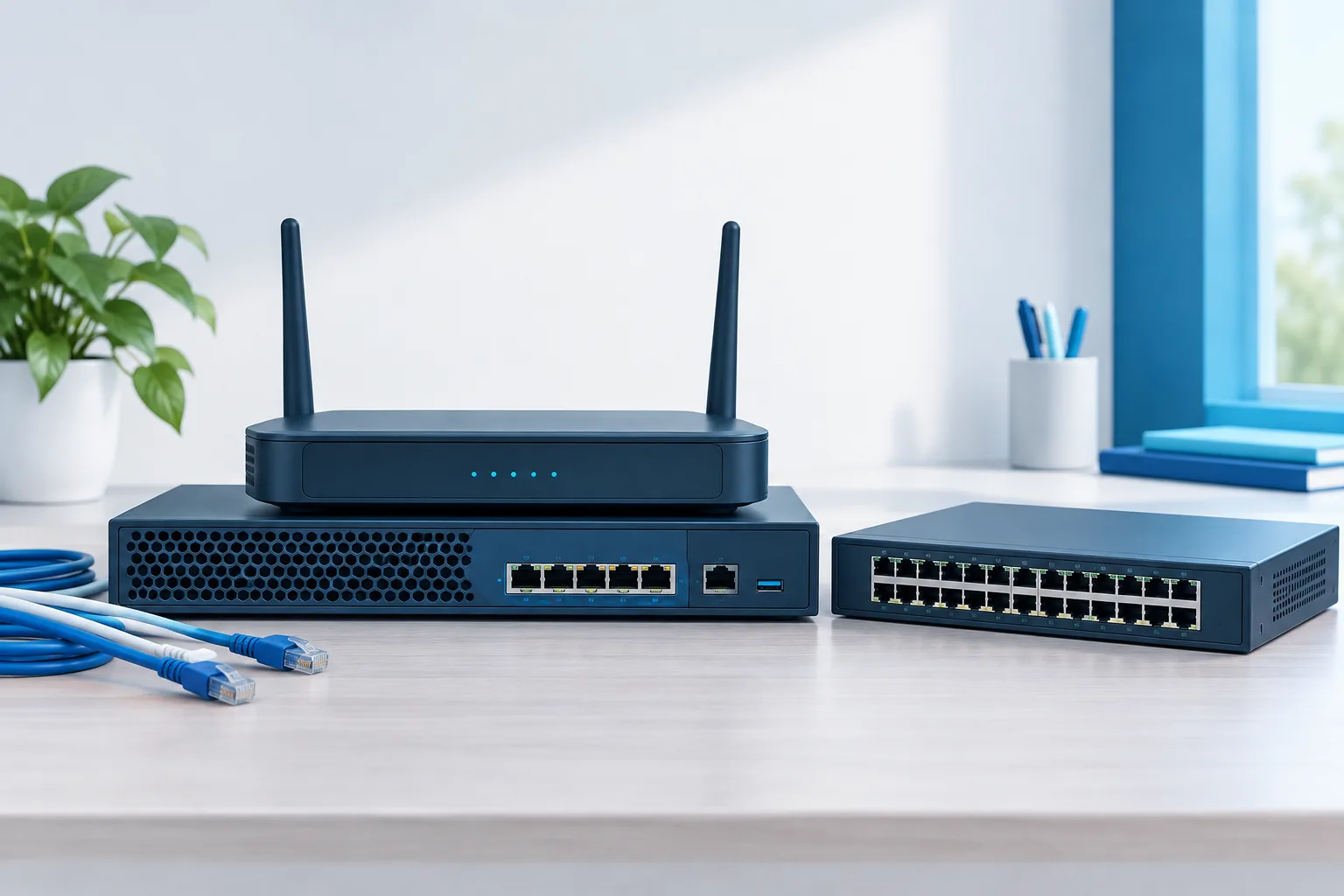
When a router, firewall, or switch reaches the end of vendor support, it can be hard to know what to replace first. For a small nonprofit, the answer is not always the oldest device or the one with the most visible warning. Start by asking what the equipment does, whether it is exposed to the internet, and what would stop working if it failed.
This approach helps you prioritize which network equipment to replace first without treating every unsupported device as the same level of emergency. It also gives staff and volunteers a practical way to document risks and plan a change around essential services.
Prioritize by exposure, impact, and ability to maintain
Make a short list of equipment that is unsupported now or approaching the end of support. For each device, consider these questions:
- Is it internet-facing? A firewall or router that connects your network to the internet may present more immediate security concerns than a switch serving a limited, isolated area.
- Does it still receive security updates? If the vendor no longer provides firmware or security fixes, you may have fewer options for addressing newly discovered weaknesses.
- Is it a single point of failure? If its failure would interrupt internet access, phones, Wi-Fi, or access to essential systems, its operational impact may be high.
- Can your team maintain it safely? Consider whether someone can review its settings, manage access, monitor problems, and respond if service is disrupted.
These questions help distinguish a device that needs prompt replacement from one that may be managed temporarily with documented safeguards. CISA’s network infrastructure guidance can help inform a broader review of network equipment and its security.
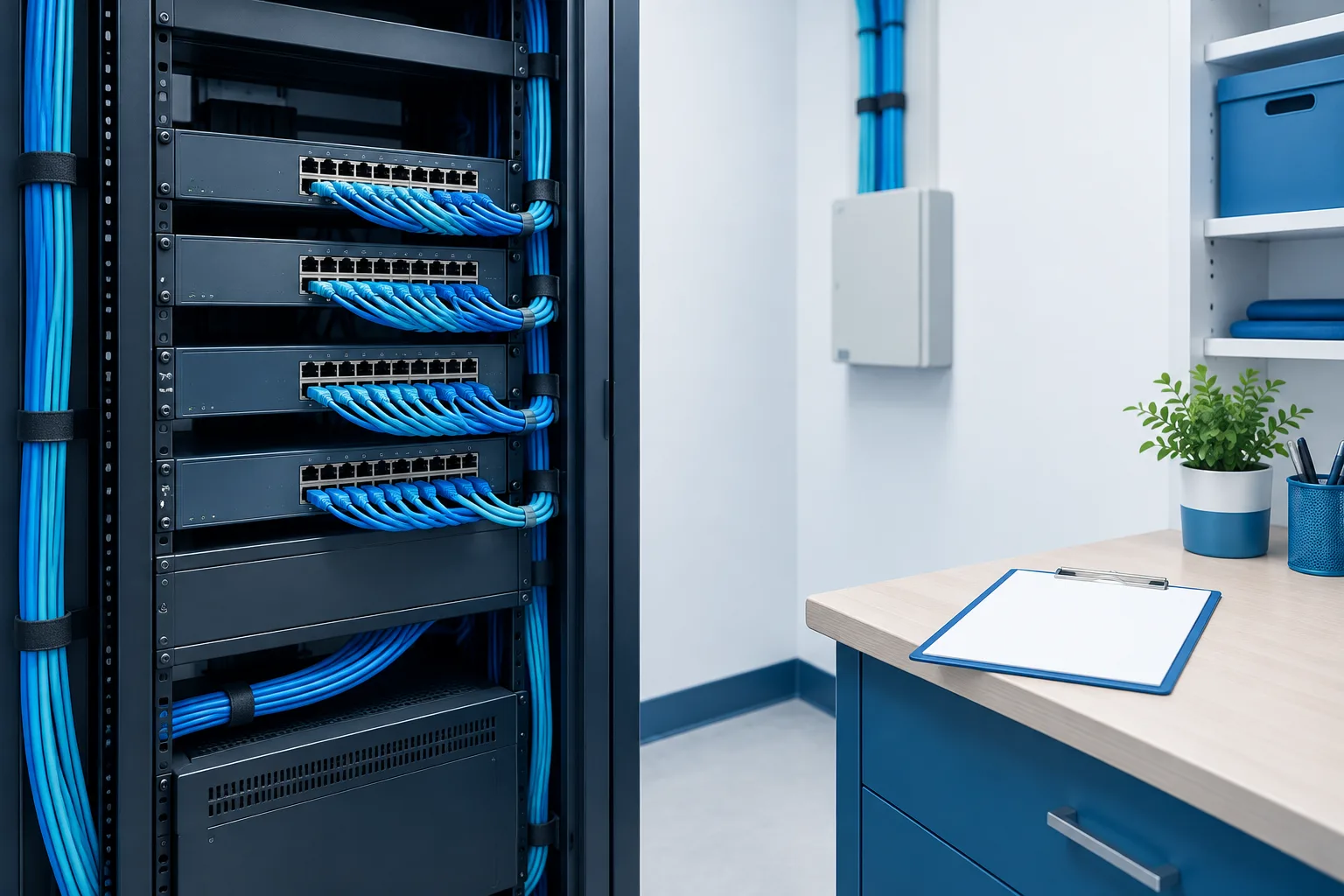
Which device usually deserves attention first?
An unsupported, internet-facing firewall often deserves an early review because it sits at an important boundary between your organization and outside networks. If it no longer receives security updates, replacing it may reduce exposure. But do not decide based only on the word “firewall.” Confirm what the device actually does. In some setups, one device may provide routing, firewall protection, and other network functions.
A router that connects your organization to the internet may also need prompt attention, especially if it is unsupported or a failure would take the whole office offline. A network switch can be just as important when it connects critical equipment or serves as the only path to key systems. An unsupported switch in a restricted area with limited dependencies may be a lower priority than an exposed edge device, but it still needs an owner and a plan.
In other words, prioritize function and exposure, not the device label. A practical order is to investigate unsupported internet-facing equipment first, then devices whose failure would interrupt essential services, then less exposed equipment with limited impact. Adjust that order when your inventory shows a specific device is especially important or difficult to maintain.
Check the support status before deciding
Start with the exact manufacturer, model, and hardware revision. Look up the product in the vendor’s support or lifecycle information and check whether security updates and technical support remain available. The purchase date alone may not tell you the current support status. If the information is unclear, ask your IT provider or the vendor to confirm it.
Also record when the device last received a firmware update, who manages it, and whether it has known dependencies. Do not assume a device is supported simply because it still works or appears in a monitoring tool. The CIS guidance on asset inventory explains why organizations benefit from knowing what equipment they have and how it is managed.
A useful inventory can be a simple worksheet. Include:
- Manufacturer, model, and hardware revision
- Location and the person or provider responsible for it
- Support status and, if known, the vendor’s end-of-support date
- Last firmware update and whether updates are still available
- What it connects to, such as internet access, phones, Wi-Fi, or staff systems
- Replacement priority, interim safeguards, and a target for review
Keep the inventory somewhere appropriate for internal IT documentation. Avoid putting sensitive configuration details in a document that is broadly accessible.
Reduce risk if replacement cannot happen right away
Sometimes a nonprofit cannot replace unsupported network equipment immediately. In that case, document the risk and the reason for the delay, identify who is responsible for follow-up, and set a date to review the plan. Temporary measures do not restore vendor support, but they may help reduce exposure while you arrange a replacement.
- Ask a qualified IT provider to review whether the device can be isolated or have unnecessary services disabled.
- Restrict who can access its administrative settings, and use secure access practices already approved by your organization.
- Review what systems and users depend on it, and whether any connections can be limited safely.
- Make sure the device’s configuration and relevant recovery information are documented and protected.
- Monitor for unusual behavior and keep the replacement decision visible to the people responsible for technology and operations.
Choose safeguards based on the equipment and your network. A change made without understanding the dependencies could interrupt services or create a different security problem. For broader nonprofit security practices, see this guide to strengthening nonprofit cybersecurity.
Plan the replacement around the services it supports
Before scheduling a replacement, map what could be affected. A device may support internet access, voice phones, staff Wi-Fi, guest access, cloud applications, or connections to systems used by staff and volunteers. Ask the people who rely on those services what they need to keep working and when an interruption would be least disruptive.
Confirm who will make the change, who can approve it, and how the organization will communicate if service is briefly unavailable. Have the current configuration and recovery steps documented by the person responsible for the equipment. Agree on how the team will check that essential services work afterward and what to do if the change needs to be reversed or adjusted.
Budget planning can start before a device fails. Add equipment approaching end of support to your technology plan, note the reason it matters, and discuss timing with the people who oversee budgets or grant-funded technology. If grant funds may be involved, confirm that the purchase and implementation fit the grant’s requirements rather than assuming they do. Zevonix supports grant-funded technology procurement and implementation, and its team can help nonprofits review network needs as part of IT planning.
Frequently asked questions
Should an unsupported firewall always be replaced before a switch?
Not automatically. An unsupported, internet-facing firewall often warrants early attention, but compare its exposure and role with the switch’s connections and the services each device supports. Prioritize the actual risk and operational impact.
What risks come with using equipment after vendor support ends?
The vendor may no longer provide security updates or technical support. That can make it harder to address vulnerabilities or troubleshoot failures. The level of risk depends on the device’s exposure, configuration, and role in your network.
How can a small organization check whether equipment is still supported?
Find the exact model and hardware revision, then check the vendor’s lifecycle or support information. Confirm whether firmware and security updates are available. If the status is unclear, ask the vendor or your IT provider.
How can we replace equipment without disrupting phones or internet?
Document what the device connects to, identify who depends on those services, and schedule the work with a change and recovery plan. Make time to test internet, phones, Wi-Fi, and other essential connections after the replacement.
What if we cannot replace unsupported equipment immediately?
Document the reason and risk, assign someone to own follow-up, and ask an IT professional about suitable temporary safeguards. Set a review date so the interim plan does not become an unexamined permanent solution.
Make the next step manageable
Start with an inventory, confirm support status, and rank devices by exposure and the services that depend on them. If your organization needs help reviewing equipment or planning a replacement, contact Zevonix at (904) 658-0777. Zevonix provides IT support and technology services designed for nonprofit organizations.