
Nonprofit VoIP access management is easier when you treat people, shared phones, and call routing as separate parts of the system. Staff members may need individual accounts, a front-desk phone may need a dedicated device setup, and volunteers may need limited access to answer calls without sharing a password.
This approach helps keep the main number reachable while making it clearer who can use each feature and who can change settings. It also gives your organization a practical way to update access when someone joins, changes roles, or leaves.
Separate people, phones, and call routing
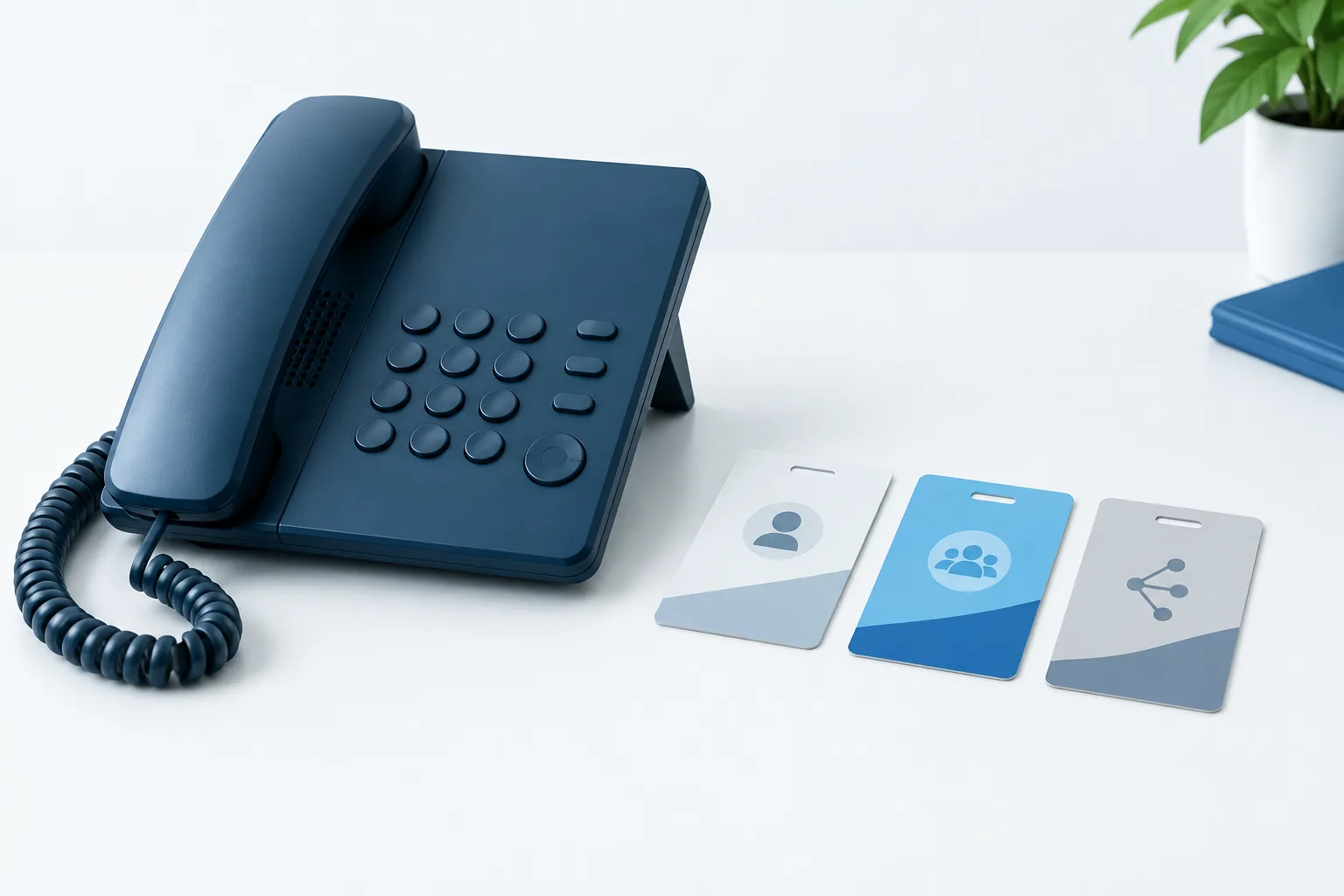
Start by distinguishing three things that are often mixed together:
- A person’s account: Identifies an individual staff member or volunteer. Where practical, give each person their own login rather than passing around shared credentials.
- A phone or device account: Describes how a shared handset is set up. A reception phone, for example, can use a designated common-area phone configuration rather than being treated as one employee’s personal phone.
- Call routing and queue membership: Determines which people or devices can answer a number or group of calls. This is separate from permission to administer the phone system.
These layers solve different problems. A shared handset needs to be usable by the people working nearby, but that does not mean everyone needs the same personal login. Likewise, someone who can answer the main number does not automatically need permission to edit voicemail greetings, caller ID, or system-wide settings.
Phone providers use different names and options for shared devices and queues. Check your provider’s setup guidance before changing how a handset is assigned. For example, Microsoft’s guidance on common-area phones explains how a shared phone configuration differs from an individual user setup.
Match access to the role
Write down the phone tasks each role actually needs. Keep the list focused on work responsibilities, not assumptions about what someone might need someday. A simple role plan could look like this:
- Staff members: Use individual accounts with the calling features and access needed for their jobs. Some may need direct lines or voicemail; others may only need to answer calls through a queue.
- Shared office phones: Use a designated device configuration for a common work area. Decide which calls the phone should receive and which features should be available from it.
- Volunteers: Give an individual account when a volunteer needs to make or answer calls under their own identity. Limit calling and system features to the duties they perform, and remove access when the assignment ends.
- Phone-system administrators: Restrict configuration permissions to the people responsible for managing the system. Answering calls and changing system settings are different responsibilities.
This follows the general principle of least-privilege access: provide only the permissions needed for a person’s current duties. The CISA access-management recommendations offer guidance for administrators managing identities and permissions.
Let volunteers answer the main number without sharing a login
A volunteer can often answer calls through a queue or shared line without using another person’s credentials. In a queue-based setup, calls to the main number can be directed to an approved group of staff and volunteers. Each person signs in using their own account, and an authorized administrator manages who belongs to that group.
This keeps the public number available without giving every volunteer control of the phone system. It also makes changes easier to track: an administrator can update queue membership when a volunteer’s assignment changes, rather than handing over a shared password. Queue behavior and controls depend on the provider, so confirm which options your system supports. Zoom’s call queue guidance is one example of how a provider documents queue management.
Decide which calls volunteers may handle and what they should do when a call needs staff attention. Document a simple handoff process, including who to contact for sensitive, urgent, or misdirected calls. If volunteers work remotely, make sure the organization’s phone and access procedures cover that arrangement too. Zevonix also discusses keeping phone service prepared for disruptions in its guide to VoIP phones during a power outage.
Use a joiner, role-change, and leaver process
Phone access is easier to manage when changes follow a repeatable process. Include VoIP in the same onboarding and offboarding steps you use for other work accounts.
- Before access is granted: Confirm the person’s role, who approved the access, and whether they need an individual account, queue membership, or access to a shared handset.
- When duties change: Review direct calling, voicemail, queue membership, and any ability to change settings. Remove features that no longer fit the person’s responsibilities.
- When service ends: Disable or remove the person’s individual access promptly. Remove them from queues and shared lines, and check whether any voicemail, call forwarding, or device assignment needs to be reassigned.
- After the change: Record who made the update and confirm that the intended person or team can still handle the calls they are responsible for.
For volunteers, connect the phone-system update to the volunteer coordinator’s normal departure notification. A dependable handoff helps prevent accounts from being overlooked when volunteer assignments are temporary or change frequently. The Canadian Centre for Cyber Security also offers access-control guidance for volunteer-based organizations.
Decide who can change phone settings
Keep administrative access narrower than call-answering access. Choose the people responsible for changes such as adding users, editing queues, changing voicemail or caller ID, and adjusting calling policies. Give others the permissions they need for daily work, without treating every user as a system administrator.
Write down who approves changes and where the current access list lives. If a provider allows different levels of administrative permission, use the least extensive level that lets each administrator do their assigned work. Avoid relying on a shared administrator login when individual accounts are available, because individual accounts make responsibility clearer.
Review access as part of normal operations
Review accounts and permissions whenever roles change, volunteers finish an assignment, or phone routing is updated. It is also useful to put a recurring access review on the organization’s calendar. During that review, compare the active users and queue members with current staff and volunteer responsibilities.
Check that shared phones still belong to the right locations or teams, that voicemail has an owner, and that the right people can answer the main number. A short, documented review can catch stale access before it becomes a disruption. If your organization also manages access to volunteer systems, the related guide on IT support for volunteer management systems may help you consider how account changes fit into broader volunteer processes.
Frequently asked questions
Should a shared office phone have its own account?
It should generally have a designated shared-device configuration rather than being treated as one staff member’s personal phone. The exact setup depends on the VoIP provider and the phone’s purpose.
Can volunteers answer the main number without sharing a login?
Often, yes. An administrator can add volunteers’ individual accounts to an approved call queue or shared-line arrangement, if the phone system supports it.
How can we limit which numbers or features volunteers can use?
Give each volunteer only the calling permissions and features needed for their duties. Ask your provider or system administrator which controls are available, since options vary by platform.
How often should we review VoIP accounts?
Review access when someone joins, changes roles, or leaves, and schedule periodic checks of users, queue membership, shared devices, and administrator permissions.
Keep phone access clear as your team changes
A practical VoIP plan gives people individual access where possible, treats shared handsets as devices, and manages call queues separately from administrative permissions. Documenting approvals and role changes helps protect the organization’s phone system while keeping calls moving.
If you would like help reviewing nonprofit phone access or planning a business VoIP setup, contact Zevonix at (904) 658-0777.